
Strymon Multiswitch Plus
Extended Control for Sunset, Riverside, Volante, and More.
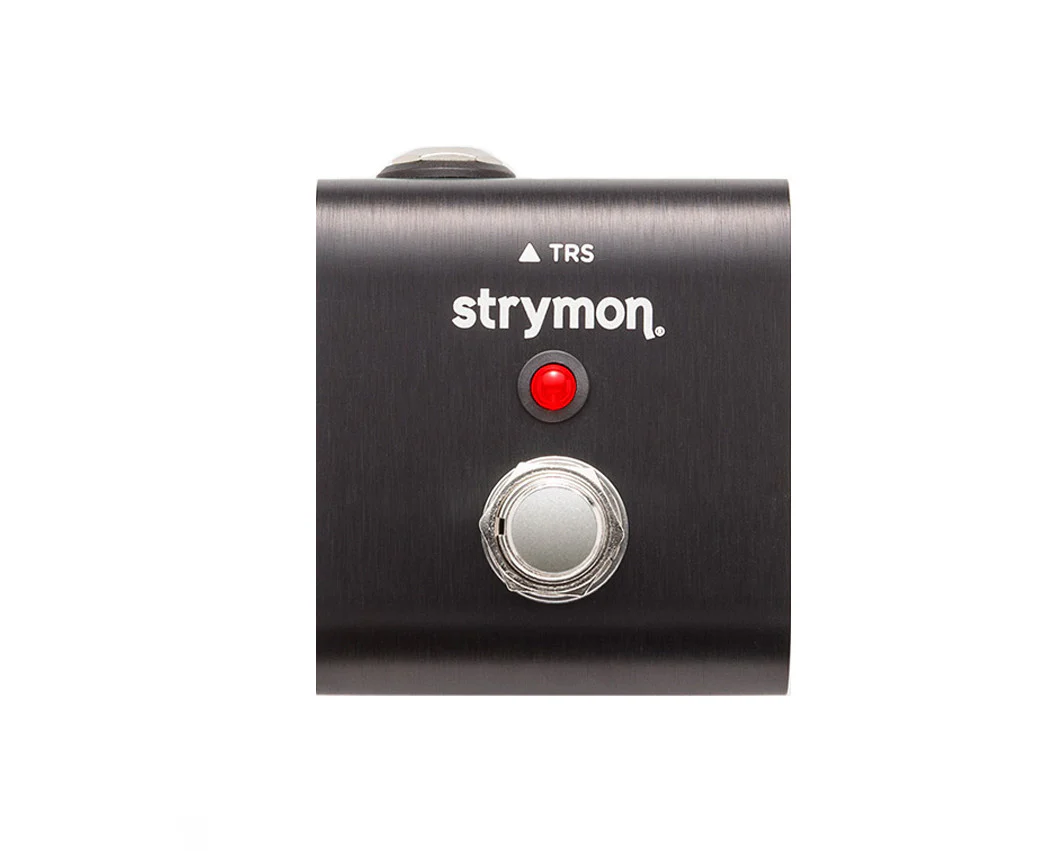
Want instant access to three presets for Sunset or Riverside? Or to unlock the full potential of Volante? Connect MultiSwitch Plus with the included 1/4″ TRS cable and add a new dimension to your rig.
Multiple Control Modes.
MultiSwitch Plus can be configured in several different ways to extend floor control of compatible Strymon pedals. Depending on the selected mode and the pedals connected, you can recall presets, change banks, operate TimeLine’s looper, remotely tap tempos, and more. See compatibility chart below.
Control up to Three Pedals.
Featuring three outputs, MultiSwitch Plus allows you to connect up to three compatible Strymon pedals using additional TRS cables (sold separately). Now you can engage presets on Sunset, Riverside, and Volante simultaneously. Or mix and match the footswitches to set up your own custom operation—such as controlling tap tempo on your Flint, Favorite on your El Capistan, and Boost on your Riverside.
Extend Volante Functionality
Connect MultiSwitch Plus to Volante for additional footswitchable control. Use MultiSwitch Plus for remote operation of the SPEED switch, remote transport control, or for additional foot control while in Sound on Sound mode.
Speed Control
Use MultiSwitch Plus to remotely toggle Volante’s Speed switch. Instantly alter the speed of the media, changing the fidelity and creating layered multi-octave textures.
Transport Control
Volante provides the unique ability to reverse, pause, and infinitely repeat the delayed sounds. MultiSwitch Plus opens the door to even more immediate and expressive control of these functions.
Sound On Sound Functions
MultiSwitch Plus provides remote access to three of Volante’s Sound on Sound functions. When in Sound On Sound mode, MultiSwitch Plus allows control over infinite repeats, pause, and reverse functions.
TimeLine Looper Control
Not only does MultiSwitch Plus give you full control over TimeLine’s Looper in a simple, compact format, it also unlocks three additional looping features: Reverse, Half Speed, and Undo/Redo. Use MultiSwitch Plus to control your TimeLine Looper in two different ways.
3-Button Looper
MultiSwitch Plus allows instant access to TimeLine’s Record/Overdub, Play, and Stop functions without holding the TAP switch to enter Looper Mode. Easily access looping features while retaining footswitch control over your delay sounds.
6-Button Looper
Hold TimeLine’s TAP switch to enter looper mode, and MultiSwitch Plus now gives you instant access to Reverse, Half Speed, and Undo/Redo. Gain access to a versatile, 6-button looper that is excellent for live looping and experimentation.
Remote Control for TimeLine, BigSky, and Mobius
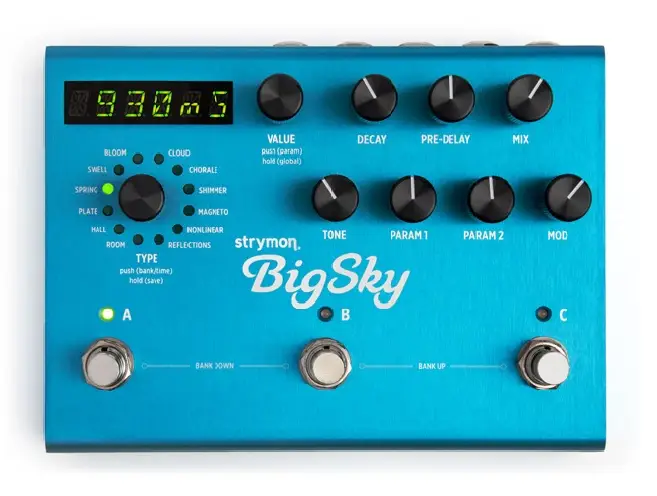
MultiSwitch Plus provides an alternate way to explore presets and set tempos on your TimeLine, BigSky, and Mobius.
Explore Banks
MultiSwitch Plus gives you a new means of exploring preset banks. Use the left switch to move down a bank, right switch to move up a bank, and middle switch to cycle through your presets within the current bank. A great way to explore all of your presets.
MultiSwitch Plus gives you a new means of exploring preset banks. Use the left switch to move down a bank, right switch to move up a bank, and middle switch to cycle through your presets within the current bank. A great way to explore all of your presets.
Use MultiSwitch Plus to recall the perfect preset on your TimeLine, BigSky, or Mobius. Easily scroll through saved presets using the left and right switches, and engage/bypass the preset you have selected with the middle switch.
Remote Tap
Use MultiSwitch Plus to scroll through your saved presets and control your tap tempo all at once. Perfect for TimeLine and Mobius–use the left switch to scroll down through your saved presets, the right switch to scroll up, and the middle switch to tap in the perfect delay tempo or modulation speed.
Product Information
Product Information
Shipping & Returns
Shipping & Returns
Description
Extended Control for Sunset, Riverside, Volante, and More.
Want instant access to three presets for Sunset or Riverside? Or to unlock the full potential of Volante? Connect MultiSwitch Plus with the included 1/4″ TRS cable and add a new dimension to your rig.
Multiple Control Modes.
MultiSwitch Plus can be configured in several different ways to extend floor control of compatible Strymon pedals. Depending on the selected mode and the pedals connected, you can recall presets, change banks, operate TimeLine’s looper, remotely tap tempos, and more. See compatibility chart below.
Control up to Three Pedals.
Featuring three outputs, MultiSwitch Plus allows you to connect up to three compatible Strymon pedals using additional TRS cables (sold separately). Now you can engage presets on Sunset, Riverside, and Volante simultaneously. Or mix and match the footswitches to set up your own custom operation—such as controlling tap tempo on your Flint, Favorite on your El Capistan, and Boost on your Riverside.
Extend Volante Functionality
Connect MultiSwitch Plus to Volante for additional footswitchable control. Use MultiSwitch Plus for remote operation of the SPEED switch, remote transport control, or for additional foot control while in Sound on Sound mode.
Speed Control
Use MultiSwitch Plus to remotely toggle Volante’s Speed switch. Instantly alter the speed of the media, changing the fidelity and creating layered multi-octave textures.
Transport Control
Volante provides the unique ability to reverse, pause, and infinitely repeat the delayed sounds. MultiSwitch Plus opens the door to even more immediate and expressive control of these functions.
Sound On Sound Functions
MultiSwitch Plus provides remote access to three of Volante’s Sound on Sound functions. When in Sound On Sound mode, MultiSwitch Plus allows control over infinite repeats, pause, and reverse functions.
TimeLine Looper Control
Not only does MultiSwitch Plus give you full control over TimeLine’s Looper in a simple, compact format, it also unlocks three additional looping features: Reverse, Half Speed, and Undo/Redo. Use MultiSwitch Plus to control your TimeLine Looper in two different ways.
3-Button Looper
MultiSwitch Plus allows instant access to TimeLine’s Record/Overdub, Play, and Stop functions without holding the TAP switch to enter Looper Mode. Easily access looping features while retaining footswitch control over your delay sounds.
6-Button Looper
Hold TimeLine’s TAP switch to enter looper mode, and MultiSwitch Plus now gives you instant access to Reverse, Half Speed, and Undo/Redo. Gain access to a versatile, 6-button looper that is excellent for live looping and experimentation.
Remote Control for TimeLine, BigSky, and Mobius
MultiSwitch Plus provides an alternate way to explore presets and set tempos on your TimeLine, BigSky, and Mobius.
Explore Banks
MultiSwitch Plus gives you a new means of exploring preset banks. Use the left switch to move down a bank, right switch to move up a bank, and middle switch to cycle through your presets within the current bank. A great way to explore all of your presets.
MultiSwitch Plus gives you a new means of exploring preset banks. Use the left switch to move down a bank, right switch to move up a bank, and middle switch to cycle through your presets within the current bank. A great way to explore all of your presets.
Use MultiSwitch Plus to recall the perfect preset on your TimeLine, BigSky, or Mobius. Easily scroll through saved presets using the left and right switches, and engage/bypass the preset you have selected with the middle switch.
Remote Tap
Use MultiSwitch Plus to scroll through your saved presets and control your tap tempo all at once. Perfect for TimeLine and Mobius–use the left switch to scroll down through your saved presets, the right switch to scroll up, and the middle switch to tap in the perfect delay tempo or modulation speed.